Vicosight Review is currently supported in the latest versions of Microsoft Edge, Chrome (MacOS & Windows), Firefox (MacOS & Windows) and Safari. All users who have access to documents in Vicosight can use Review.
To activate Vicosight Review, check this support article: Activate Additional Features.
Once Vicosight Review has been activated you have two options to open a document in Review:
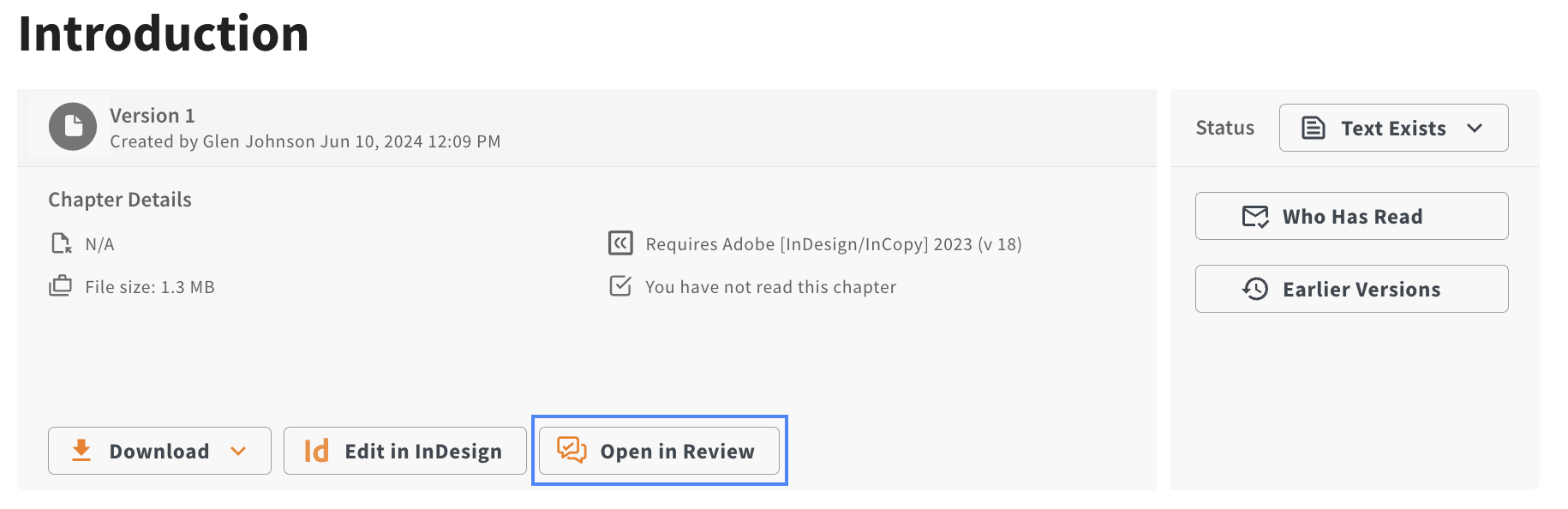
- Select any chapter within the project, navigate to the chapter page and click the Open in Review button.
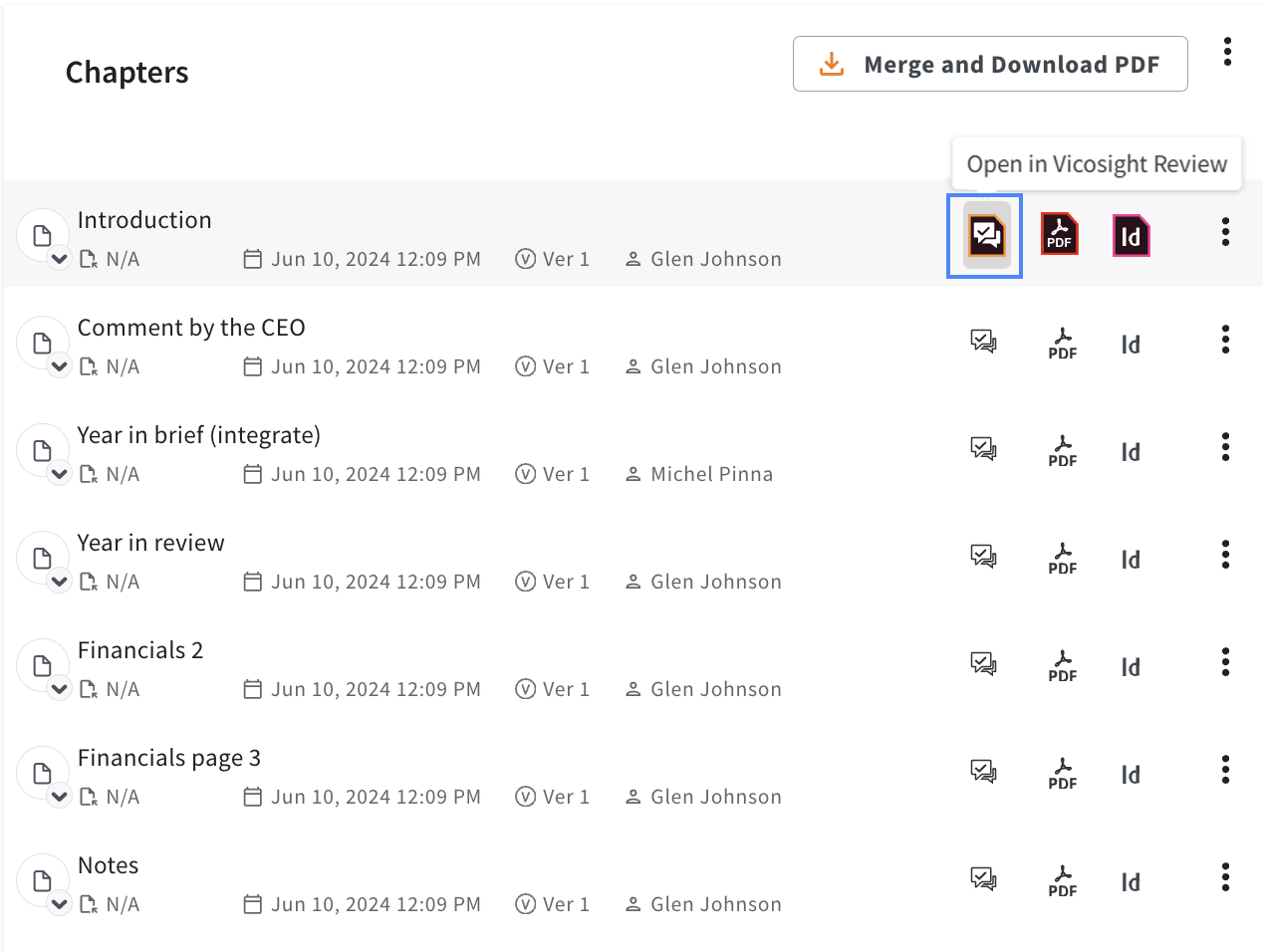
- Select the project page and click the Open in Vicosight Review icon for the chapter you want to review. When you a start a review session, a new window or tab will open in your browser.