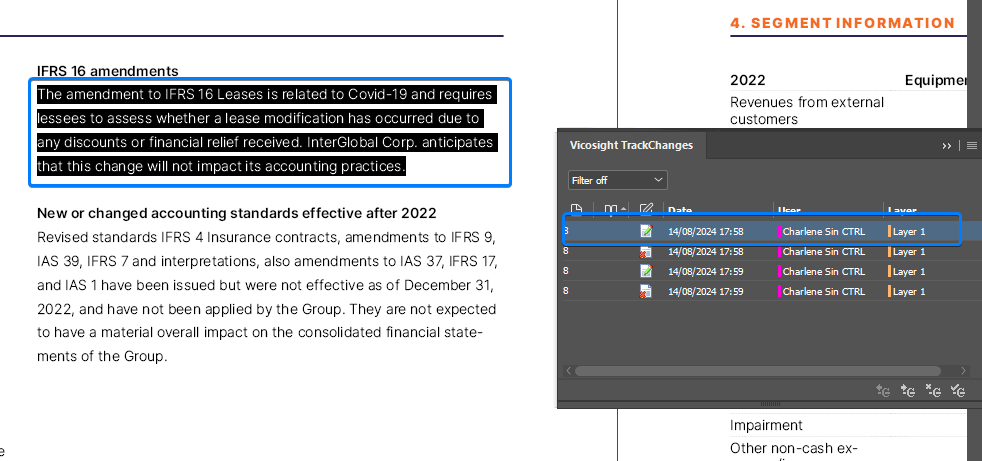
All changes made to a chapter are listed in the Vicosight TrackChanges panel in Adobe InCopy/InDesign.
You can accept/reject changes (if you have the correct permissions), filter by date, user or layer; and hide/show track changes, user colour and highlight track changes.
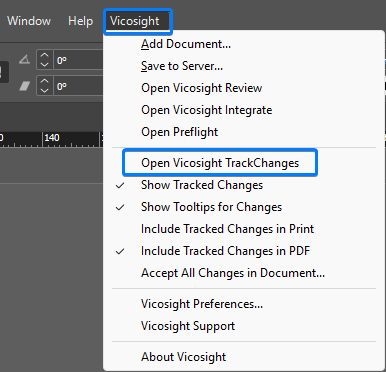
Click Vicosight > Open Vicosight TrackChanges from the InCopy/InDesign top menu bar.
Navigate to changes
Double click on any change in the Vicosight TrackChanges panel and you’ll be taken to its location in the chapter.